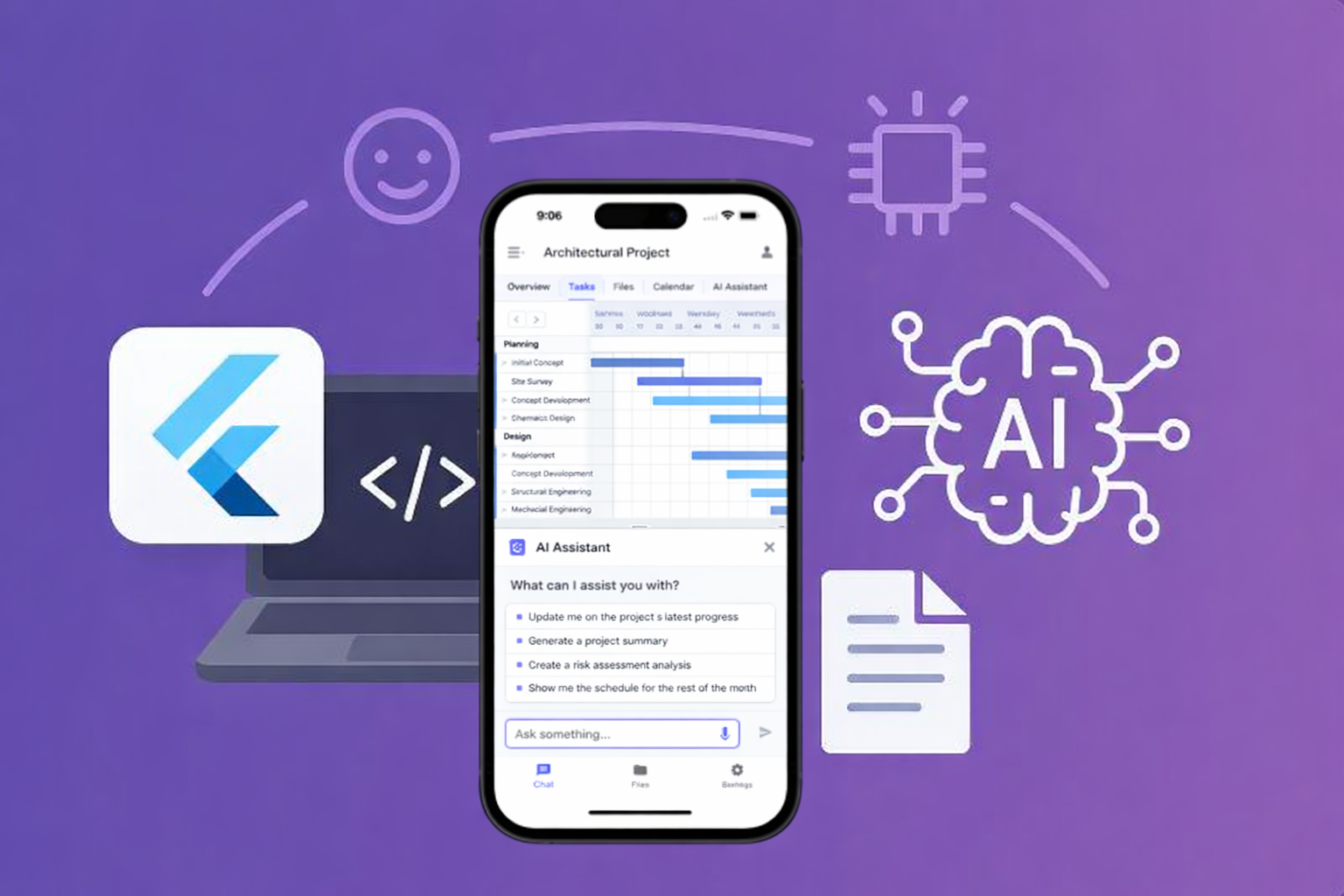
10 Vibe-Coded Apps You Can Build to Solve Internal Problems in Your Company
(Without Becoming a Software Company)
Most architecture, engineering, and construction firms don’t struggle because they lack technical talent.
They struggle because of operational friction.
Information scattered across tools.
Manual work hiding in the cracks.
Decisions lost in emails and meetings.
Processes that only exist in someone’s head.
The shift happening right now is simple but powerful:
you no longer need to wait for the “perfect” software to exist.
With vibe coding + AI, teams can build small, internal apps that fit their real workflows — quickly, affordably, and iteratively.
Below are 10 practical vibe-coded app ideas that directly address everyday operational pain points. Each one focuses on clarity, speed, and reducing friction — not replacing your entire tech stack.
1. Unified Project Information Hub (Single Source of Truth)
The problem
Project information lives everywhere:
- Email threads
- WhatsApp or Slack messages
- Meeting notes
- Cloud folders
- PDFs and markups
The information exists — but it’s fragmented. People lose context, repeat questions, and recreate work that already happened.
The goal
Create one central place where all project information is connected, searchable, and contextual.
How the app works
- Integrates with:
- Messaging platforms (or exports)
- Google Drive / Dropbox
- Meeting notes
- Each project becomes a hub
- AI organizes:
- Decisions
- Conversations
- Related documents
- Team members can ask:
- “When was this decided?”
- “What’s the latest direction on this?”
Result: fewer mistakes, less rework, faster alignment.
2. Automatic Proposal Builder
The problem
Proposals are rebuilt from scratch every time:
- Copying old scopes
- Adjusting pricing manually
- Rewriting the same explanations
It’s time-consuming and inconsistent — before the project even starts.
The goal
Generate proposals faster, using your own historical data and real experience.
How the app works
- Pulls from:
- Past projects
- Previous scopes
- Fee ranges
- Client types
- For a new opportunity, you answer a few key questions:
- Project type
- Complexity
- Timeline
- Client profile
- AI:
- Suggests scope language
- Recommends fee ranges
- Adjusts tone for the client
- Output:
- A draft proposal ready for review
Result: faster turnaround, more consistent proposals, less manual effort.
3. Process Directory — Your Company’s Brain (Ask AI)
The problem
Processes exist, but:
- They’re buried in PDFs
- They’re outdated
- Or they live only in someone’s head
This creates dependency on individuals and repeated mistakes.
The goal
Turn company knowledge into a living system, not static documents.
How the app works
- Centralizes:
- SOPs
- Lessons learned
- Technical standards
- Internal decisions
- Chat-style interface:
- “How do we handle this situation?”
- “What’s our standard for this type of project?”
- AI answers using your firm’s own knowledge base
Result: faster onboarding, fewer repeated errors, less reliance on tribal knowledge.
4. Lead Generation Tool with Immediate Value
The problem
Visitors come to your website, browse your work — and leave without contacting you.
Beautiful portfolio. Zero follow-up.
The goal
Turn your website into an active conversation starter, not just a showcase.
How the app works
- Embedded interactive tool, such as:
- Free cost estimator
- Early feasibility check
- Architectural style or program diagnostic
- Visitor answers a few simple questions
- They immediately receive a useful result
- To access the full output:
- They leave their contact info
Result: qualified leads + value delivered before the first call.
5. Custom Inspection App
The problem
Inspections generate:
- Photos in one place
- Notes in another
- Voice memos somewhere else
- Reports assembled manually later
The goal
Capture everything once, in a single workflow.
How the app works
- Mobile-first
- During inspection:
- Photos
- Videos
- Voice notes
- Checklists
- AI:
- Organizes inputs
- Generates structured reports automatically
- Outputs:
- Technical report
- Project history
Result: less post-site work, cleaner documentation, faster reporting.
6. Documentation Management with Version Control (Documentation Brain)
The problem
- No one knows which file is current
- Changes happen silently
- Teams work off outdated documents
The goal
Create clarity around what changed, when, and why.
How the app works
- Integrates with cloud storage
- AI:
- Detects changes
- Tracks authorship
- Flags conflicts
- Generates summaries:
- “What changed since the last version?”
Result: fewer errors, stronger accountability, less confusion.
7. AI Project Timeline — “What Changed?”
The problem
Scope creep and delays happen gradually:
- A small email
- A meeting decision
- A quick client request
Later, no one can clearly explain why the timeline shifted.
The goal
Create an intelligent project timeline that shows how the project evolved.
How the app works
- Pulls data from:
- Project folders
- Emails
- Meeting notes
- AI:
- Identifies key changes
- Links decisions to impacts
- Builds a chronological narrative
- Outputs:
- Executive summary
- Justification for schedule changes or additional fees
Result: clearer internal understanding and more professional client communication.
8. Cost Communication Bridge
The problem
Clients see costs as numbers.
Teams see costs as effort, risk, and time.
That disconnect creates tension.
The goal
Translate technical decisions into clear financial impact.
How the app works
- When a change is introduced:
- The team logs it
- AI:
- Converts technical changes into time and cost implications
- Client-friendly view:
- “This change adds X hours”
- “This impacts the schedule by Y days”
Result: better decisions, fewer conflicts, more trust.
9. Smart Checklists and Reminders
The problem
Generic checklists are:
- Too long
- Mostly irrelevant
- Poorly followed
The goal
Create adaptive checklists that fit each project.
How the app works
- At project start, you define:
- Project type
- Scope
- Complexity
- AI:
- Generates a tailored checklist
- Removes irrelevant items
- Prioritizes tasks
- Automatic reminders by project phase
Result: higher compliance, fewer mistakes, less overload.
10. Cashflow Predictor
The problem
Most firms don’t actually know what cash is likely to come in.
They have proposals out — but planning is based on gut feeling.
The goal
Provide a realistic forecast of future revenue.
How the app works
- Connects to:
- Open proposals
- Historical conversion rates
- For each proposal, AI analyzes:
- Client type
- Value
- Timeline
- Past success with similar projects
- Outputs:
- Probability-weighted revenue forecast
- Monthly projections
- Conservative / likely / optimistic scenarios
Example:
“You have $500k in open proposals.
Based on your historical conversion rate, the most likely revenue over the next 3 months is $210k.”
Result: better planning, less anxiety, more confident decisions.
Final Thought
None of these apps need to be:
- Massive
- Expensive
- Perfect
They need to be useful, tightly connected to how your firm actually works.
Vibe coding shifts the question from
“What software should we buy?”
to
“What problem is worth solving right now?”
That’s how operational advantage is built — one smart, focused tool at a time.
Build an internal app with us — in 60 minutes.
Members don’t just learn about AI. They use it to fix real processes.
You bring one messy, broken, or manual workflow.
We build a working AI-powered internal app together — live.
No slides.
No demos.
Just building.

-1.png)